iPhone & iPad
Step 1. Open oubas.press in Safari.
Step 2. Tap the Share button (square with an arrow) at the bottom of the screen.
Step 3. Scroll down and tap “Add to Home Screen”, then “Add”.
— Install
The quickest way
Follow the steps for your device below. It takes under a minute and needs no app store.
Step 1. Open oubas.press in Safari.
Step 2. Tap the Share button (square with an arrow) at the bottom of the screen.
Step 3. Scroll down and tap “Add to Home Screen”, then “Add”.
Step 1. Open oubas.press in Chrome.
Step 2. Tap the ⋮ menu in the top-right corner.
Step 3. Tap “Install app” (or “Add to Home screen”), then confirm.
Step 1. Open oubas.press in Chrome or Microsoft Edge.
Step 2. Click the install icon at the right of the address bar.
Step 3. Click “Install”. OUBAS opens in its own window and appears with your apps.
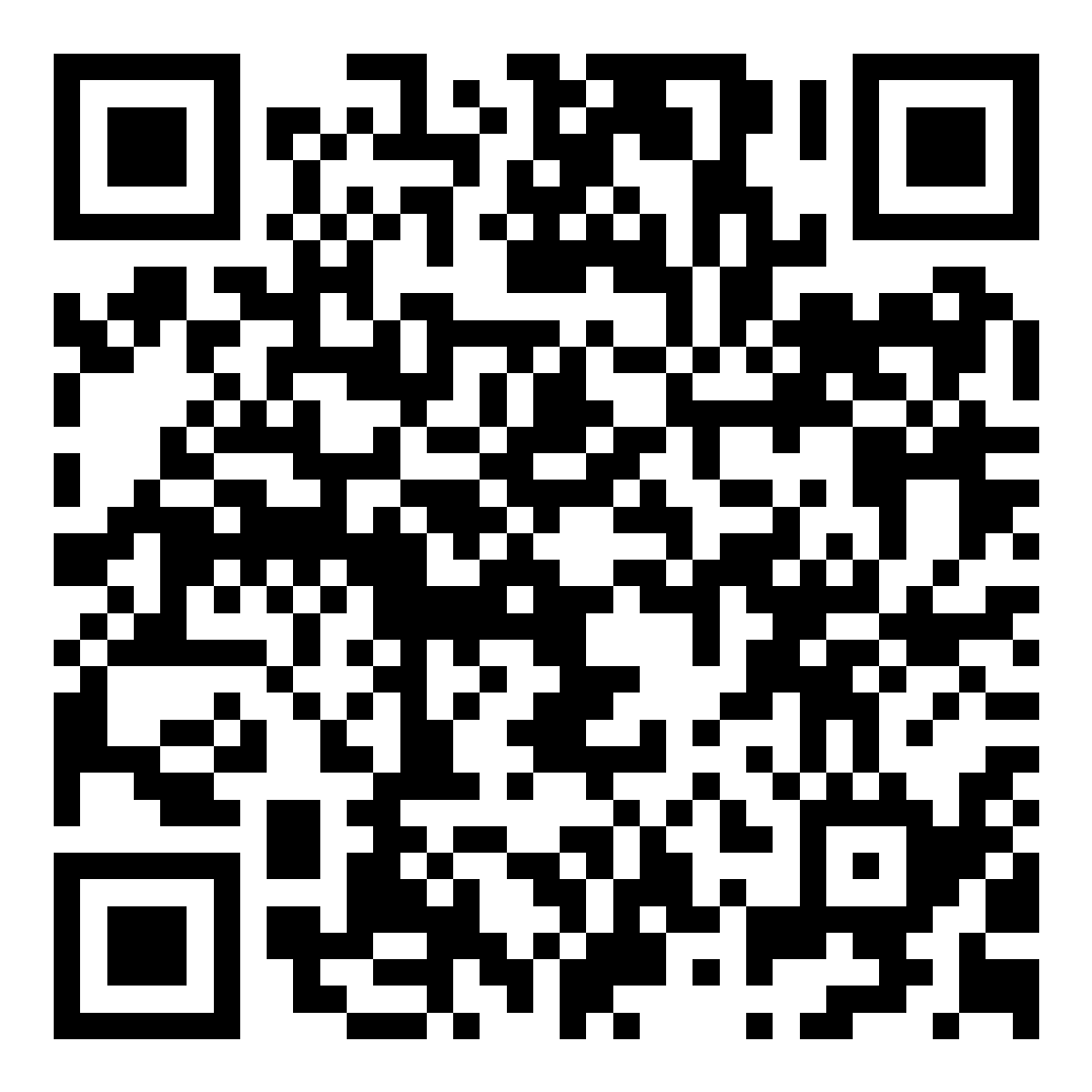
Scanning this code with a phone camera opens this page. Use it on posters, booklets and at events.
